PRINT AND ORGANIZE
Free Printable PDFs: Blank Pages, Habit Tracker and Answer Sheet
Choose a PDF that matches the paper in your printer. These original templates include blank pages, a monthly tracker with nine habit rows, and a generic A-D answer sheet for 50 questions. The downloads are ready to print; no account or document upload is needed. Preview links show the actual PDFs, not mockups.
One landscape page · Nine habits · Days 1–31 · Original CC0 template
Choose your printable and paper size
A4 measures 210 × 297 mm. US Letter measures 215.9 × 279.4 mm. The habit tracker uses the same sheets in landscape orientation. Choose the matching PDF first; avoid printing a Letter template on A4 or the reverse unless you intend to scale it.
Scroll sideways to compare all columns.
| Template | A4 PDF | Letter PDF | Actual-PDF preview |
|---|---|---|---|
| Completely blank page | Download A4 | Download Letter | A4 preview / Letter preview |
| Monthly habit tracker, landscape | Download A4 | Download Letter | A4 preview / Letter preview |
| 50-question A-D answer sheet | Download A4 | Download Letter | A4 preview / Letter preview |
Use blank pages in a document or print packet
The blank PDFs contain one empty portrait page with no logo or visible text. Use them as writing space, dividers, or a reverse side in a print packet. To add a blank page to an existing document, open Organize PDF, choose an insertion position and Insert blank page. To combine downloaded blanks with other documents, use Merge PDF.
A blank PDF is different from a missing page in a damaged file. Keep the original document and check the finished page order before printing a two-sided packet.
Track one month of small habits
Write the month and year above the grid and list up to nine habits. Mark each completed day in the numbered cells. In a shorter month, leave the unused day columns empty. Use the notes area to record what helped instead of treating an incomplete row as a failure.
The tracker is a static printable. Write on a paper copy, or add text and marks to the PDF before printing. It does not contain clickable checkboxes or a saved progress account.
Use the answer sheet for practice or manual checking
The answer sheet contains questions 1–50 with four choices, A–D, plus blank name, date and subject lines. Use one marked circle per question when your practice instructions call for a single answer. It contains no questions, answer key or score calculation.
This is a generic practice sheet, not an official examination form. It has no registration marks or scanner calibration and is not promised to work with an optical mark recognition (OMR) system. Use the exact form your school, examiner or scanning software requires when machine grading is involved.
Print at the intended size
Open the downloaded PDF in your PDF reader, select the matching A4 or Letter paper, and set Actual size or 100% when exact dimensions matter. Use landscape for the habit tracker and portrait for the blank page and answer sheet. Print one test copy and check that the edges and final row are visible before printing a class set.
Printer margins vary. If the preview shows clipping, Fit can scale the page into the printable area, which makes the cells and circles smaller. Adobe documents the difference between Actual size and Fit. To change the saved PDF itself, use Resize PDF; to reduce bytes for an upload, use Compress PDF.
Use the PDF for printing. The PNG preview is a screen preview rendered from that PDF and is not the higher-quality print master.
Download the printable

Blank A4 PDF
210 × 297 mm; one completely blank portrait page

Blank Letter PDF
215.9 × 279.4 mm; one completely blank portrait page
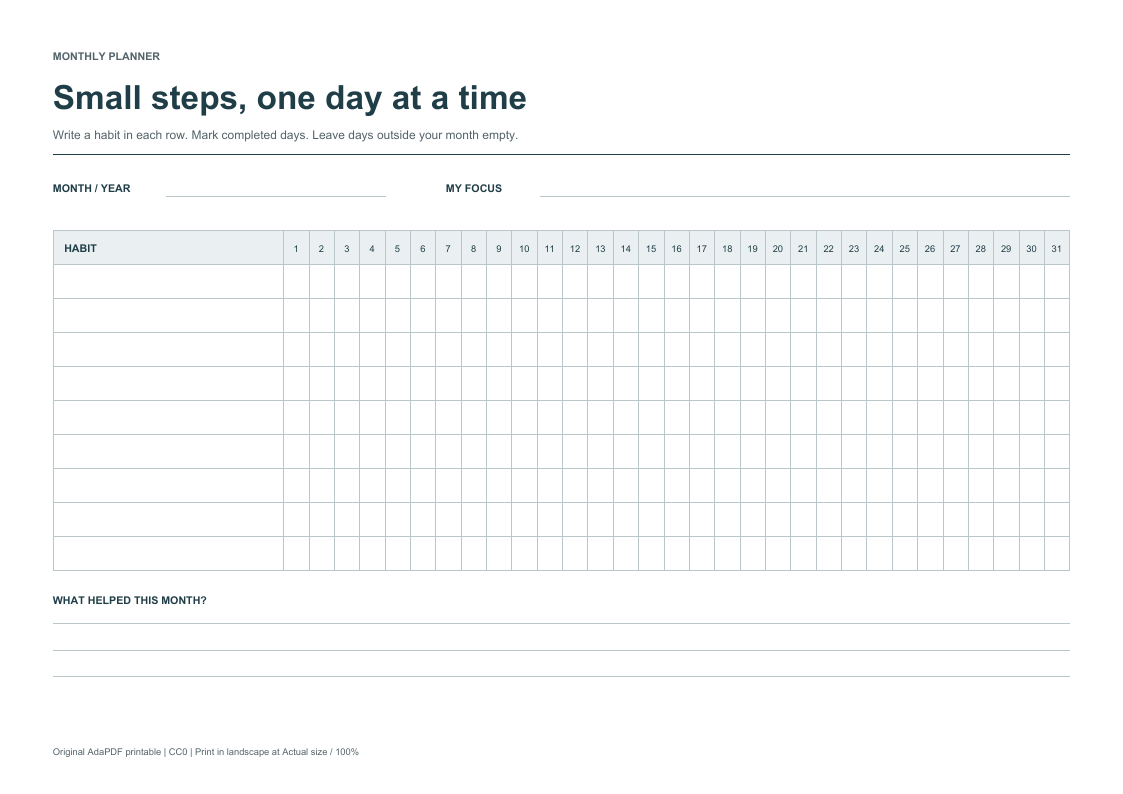
A4 monthly habit tracker
Landscape; nine habits and 31 day columns
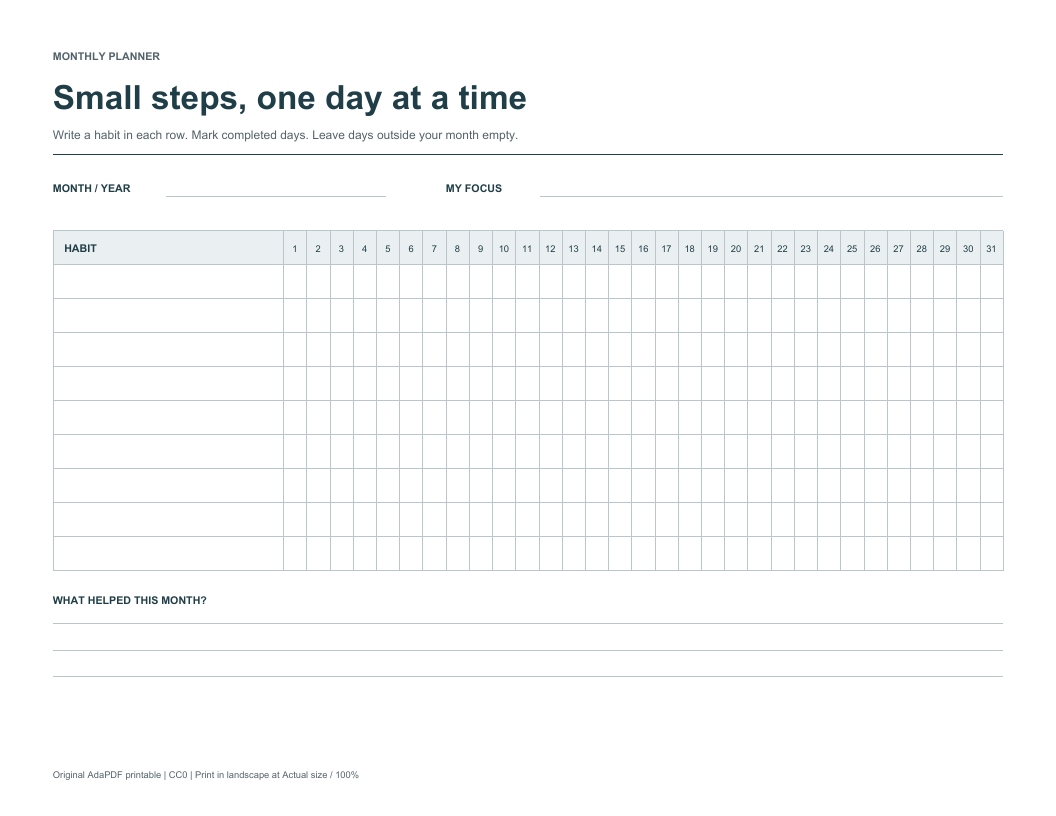
Letter monthly habit tracker
Landscape; nine habits and 31 day columns
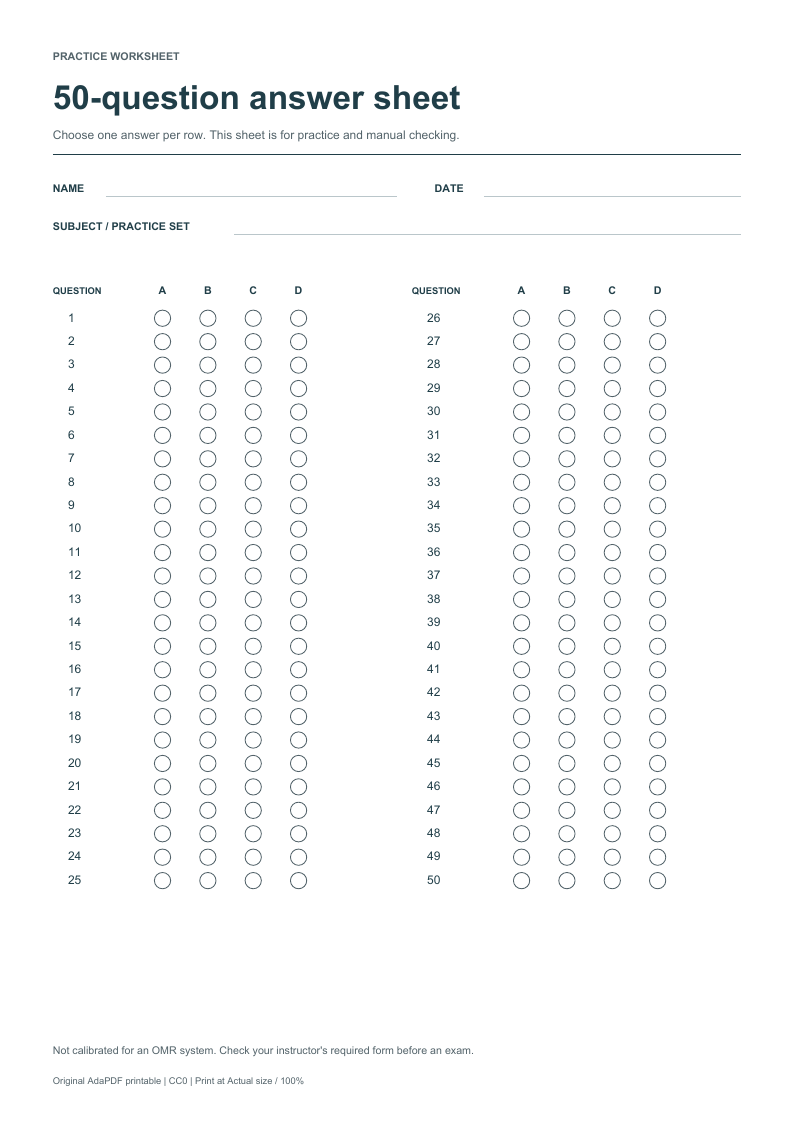
A4 practice answer sheet
Portrait; questions 1–50 with A–D choices; manual checking
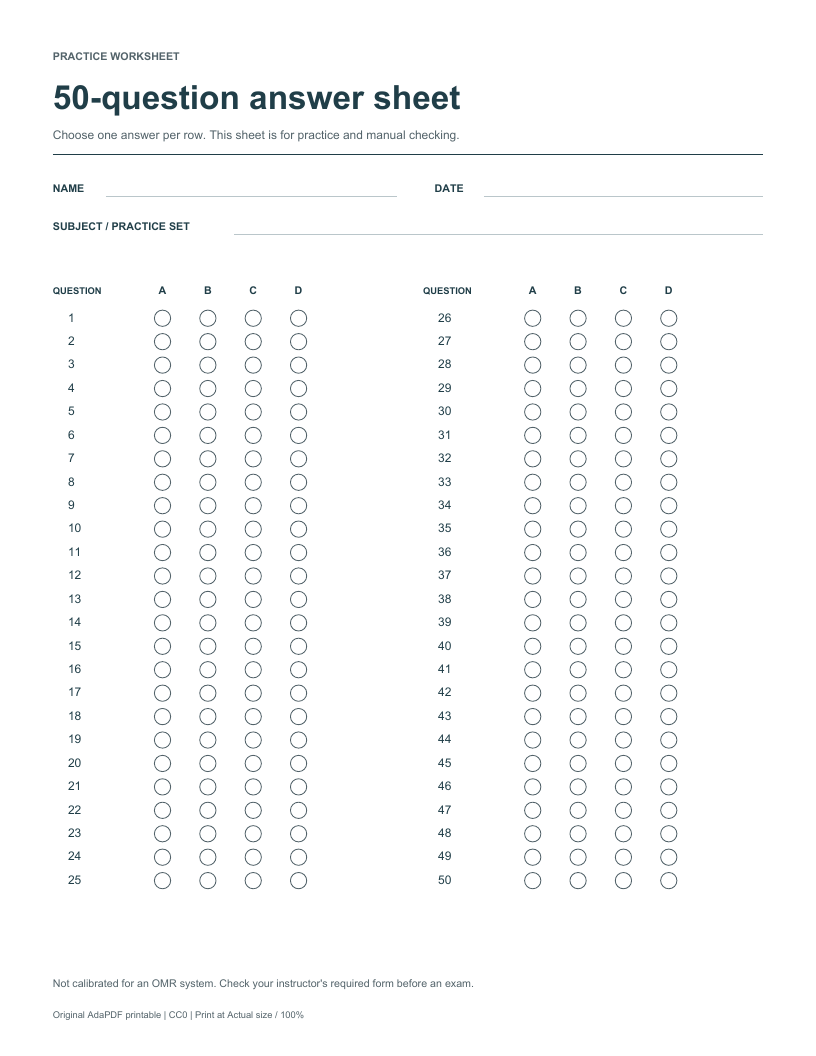
Letter practice answer sheet
Portrait; questions 1–50 with A–D choices; manual checking
Frequently asked questions
Are these printable PDFs free without signing up?
Yes. Download the A4 or Letter PDF directly. There is no registration, payment or upload step for these templates.
Can I type into the habit tracker?
These are static PDFs, not interactive forms. You can print and write on them, or add text and marks with Edit PDF before saving a copy.
Does the tracker work for February or a 30-day month?
Yes. Fill in the month and year and leave days that do not exist in that month empty. There are nine blank habit rows and columns for days 1–31.
Will the answer sheet work with an OMR scanner?
No compatibility is promised. This generic 50-question A-D sheet is for practice or manual checking and is not calibrated for an OMR system. Use the form supplied by your instructor or scanning software.
Why does my printed copy look smaller than the preview?
The print dialog may be scaling the PDF to fit your printer margins. Check the paper size, orientation and Actual size or 100% setting. Fit intentionally changes the printed scale.
Can I share or modify these templates?
Yes. The original content, artwork and included generator are released under CC0 1.0. You may print, share and adapt them without attribution. Third-party software dependencies keep their own licenses.
Print setup reference, checked September 30, 2026: Adobe: print scaling options
One landscape page · Nine habits · Days 1–31 · Original CC0 template